DSM 5.0-4493 update 2 on Synology 411slim

A while back I was suggesting to avoid the upgrade to DSM 5.
Unfortunately I did already take this step some time ago and now I have to live with it and try to make the best possible with the 411Slim

Earlier today, after a complete backup of the critical data (300GB) to an external USB drive, I’ve made the upgrade to the latest release.
It took, as is usually the case with the “update” releases, two rounds of firmware upgrade: one to the base version (5.0-4493) and one to the “update 2” version.
The process worked smoothly and without hiccups and now the speed seems slightly improved, but still far from the 4.3 performance.

I keep my finger crossed hoping that future releases will give me back the old performance and that I’ll find no nasty surprises in this new release.

Dayton DTA-100a amplifier died on me

After 14 months serving me well with almost daily utilization my secondary amplifier decided to go south.
It was something unexpected: it had loud “bumps” when turned on the last couple of times and then ceased to output anything.

I’ve brought back on of my old T-amps to drive the Indiana Line Arbour 5.04 of my desktop audio setup mentioned here: it was a good idea to keep the T-amp around.

Hopefully the Dayton will be back soon and in the meanwhile my neighbours will be happy with the lower volume.

[Update]
After a full two months I finally got the amplifier back.
The vendor replaced it instead of fixing the old one: no explanation about what went wrong with the first unit.

DSM5 on Synology 411slim: avoid the upgrade while you can or until fixed

Today I’m doing a bit of cleanup and new backups on the NAS after my recent upgrade  of the firmware and I’ve found the speed to have decreased (almost halved) in comparison to DSM4.3 when transferring large files (about 8GB in a 9 files)

The web interface shows a very high CPU usage, but no errors.

Going through the ssh interface top shows that the SMB demon is responsible for this:
Mem: 228728K used, 20560K free, 0K shrd, 11452K buff, 157692K cached
CPU: 6.1% usr 21.9% sys 0.0% nic 0.9% idle 1.1% io 0.3% irq 69.3% sirq
Load average: 3.08 1.94 1.12 2/178 31877
PID PPID USER STAT VSZ %MEM %CPU COMMAND
12426 6493 root R 31948 12.7 88.9 /usr/syno/sbin/smbd -F
31028 2 root SW 0 0.0 5.7 [flush-253:3]
128 2 root SW 0 0.0 1.1 [kswapd0]
2903 2 root SW 0 0.0 0.9 [md2_raid1]
31390 31387 admin R 4348 1.7 0.4 top

In non-synology-related posts around the web it looks like the issue could be tied to the very high CPU consumed for sirq.

I hope that a new firmware will bring back the old performance, in the meanwhile I suggest to other owners of this NAS to refrain from upgrading.

DS411Slim updated with DSM 5

I just completed the process (double upgrade to get also the bug fix) and everything worked fine from the technical point of view.
It’s too early to make comments about stability, but I’ve already noticed a welcome change: the notifications now come way more extended and comprehensive than before.

The “file changes log” widget is nice but is behaving in a strange way: it shows me in second position a change that I did months ago.
In the meanwhile I’ve saved some 18000 additional files on the same volume of the NAS and they that should have pushed this notification away.

What I’ve found a bit shocking is the cartoon-ish look that comes with the new release.
I did not feel the need for it, but maybe I’m just getting too old.

Plague Inc. on android

I while ago I had some time to kill and decided to give a try at a few trial and free game on the Nexus 7.
One that catched my interest was Plague Inc.
Nothing innovative or special from the point of view of the basic gaming mechanics but the specific twist (develop a plague) was new to me.
I had a couple of unsuccessful attempts but finally I got my first success.

This was also my last execution of the game.
Once I reached the goal of Plague Inc. I fully appreciated how sick the purpose of the game is.
Evicting humanity from earth, even doing it virtually, is really too much for my taste and I think that it is way worse than killing hundreds of enemies in photo realistic pc games and this game should be labeled accordingly

Leap Motion @home: first impression

Today I’ve picked up my leap motion controller and started testing it.
My experience is far from stellar so far: tracking is fairly bad, at least in my environment.

The software logged a message about compensating for an external IR source ([15:24:44] [Warning] The device has entered ‘Robust Mode’ to compensate for external sources of infrared light.) but there it is no indication of where this IR source might be.
Calibrating didn’t worked well: the matte surface of the screen is not what the device would like to use. Too bad that matte screens are way better for work use.

The device runs fairly warm to the touch and the associated software gets the Dell 6430u temperature up and the fan to run at high-speed.

I hope that the software will get better with time.
People that has not preordered it would be better holding back at the moment as far as the windows platform is concerned.

Dell 6430u updated to bios A05: no joy with the fan noise yet

I’m using dell’s 6430u for a few months now and went through 4 bios updates, but the excessive fan noise issue is still present even with release A05.

The dell tool (system utility application) suggested in a support thread didn’t helped either.

Dell has now publicly acknowledged that there was a manufacturing issue with the fan of the 6430u: the next time that I’ll be not traveling for a while I’ll open a call to get the fan fixed/replaced: fingers crossed.

Vodafone procedures are unbeliveably slow but I finally have hope of getting back the original line quality

I’ve posted twice (here and here) about my problems after upgrading Vodafone’s ADSL to high-speed (nominal 20mbit, actual 15mbit) several months ago, on 17th september 2012.

On June 26th 2013, after 9 months of invoices including the extra cost of the service, Vodafone confirmed that the process was completed.
I hope that now I’ll be able to go back to the original speed and, with this downgrade, the original reliability.

Comply tips: there’s no rose without a thorn

I’ve recently posted my extremely pleasant experience with the Comply tips in my Ultimate Ears 700 and is really sad that I have to add a downside.

The Comply tips seems to be very fragile and don’t last long.
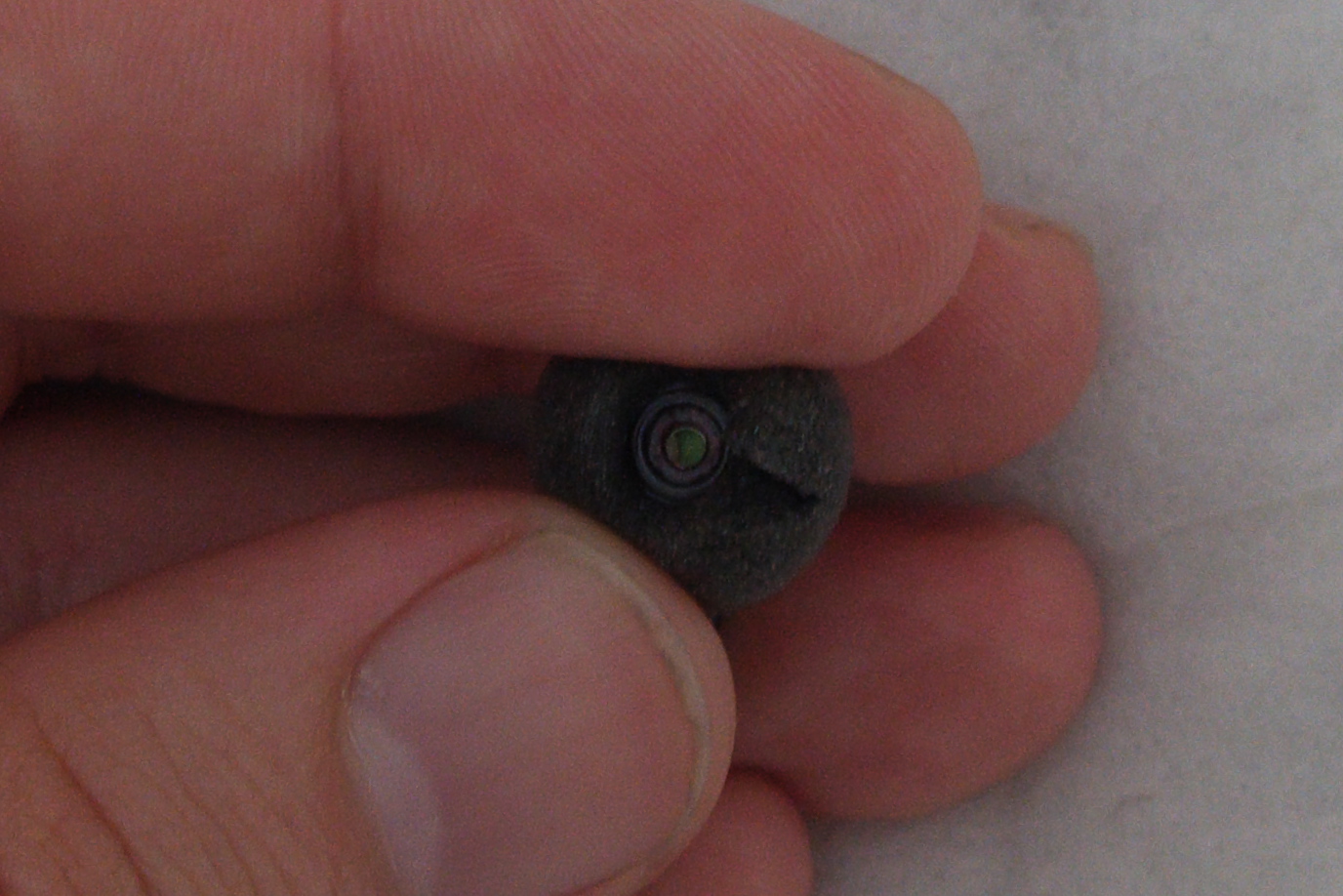
The first pair is already showing a major indication of wear: you can see that is tearing apart in the picture below.

comply

At 19.99$ for a set of 3 pairs the tips could quickly become a greater cost than the earphones themselves.
Hopefully it’s only bad luck with one of the tips.

The figth against noise on long flights: ultimate ears 700

A few weeks ago I posted about my experiments dealing with in-flight noise and anticipated a new test.
Today I’m reporting what I found when using the Ultimate Ears 700 from Logitech that I recently purchased.

It is an in-ear solution that is noise blocking or, if you prefer, is doing passive noise canceling.
It comes with the option of using either silicone plugs or foam plugs (“Comply” tips): the former solution is comparable with the standard tips coming with most of the in-ear solutions while the foam tip is less common and makes a difference.
I’ve tried both and picked up the Comply as the best solution for me: better noise blocking, more comfortable, lower cable noise.
Pay attention when fitting the foam tips as it’s a bit harder than fitting correctly the silicone ones and you don’t want to remove the earphones leaving the tip inside your ear.

How good they are?
unbelievably good.
Two weeks ago I was in our London office working on a presentation and needed to focus so I used the earphones to avoid the distraction of the conversations in the open space.
At one point I noticed the colleague on my right jumping on the chair: it turned out that someone slammed hard a door but I did not notice at all.

I thought that I might be too focused to notice but it turned out to be really the good performance of the Ultimate Ears that made the difference.

Last week I used them again, this time for the purpose I originally purchased them: dealing with the in-flight noise.
When the music was turned on, even at low volume the humming of the 737 was totally removed and the only noise was coming from the seat and through my spine.
With the music off the noise coming in is similar to what gets through when I use the 3M plugs mentioned in the earlier post.

It’s all perfect? Almost.
I have relatively small ear canal so there it is a bit of fatigue after a while. It may happen to other people too.
To ear the cabin crew you have to remove the earphones.
I discourage using them in places that are not totally under control because anything can happen with you not noticing; you really don’t want to do jogging while using them.

And the musical fidelity?
It is there too.
At least as far as an in-ear solution can go: I like the physical impact provided by a loudspeaker and no earphone can provide that.
They are in a totally different league compared to the Creative and Philips solutions I tried earlier.

When working at my desk I always prefer my pair of indiana line 5.04 with the support of the DTA-100a amplifier over the earphones when neighbours complains are not a risk.

I’m very happy with my ultimate ears 700 and I recommend them.